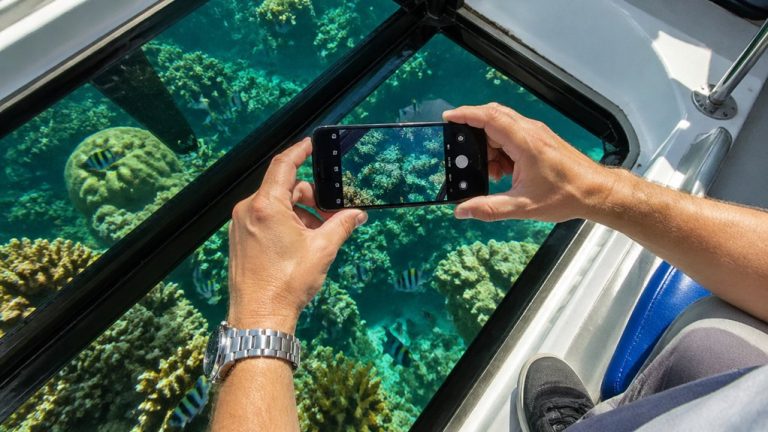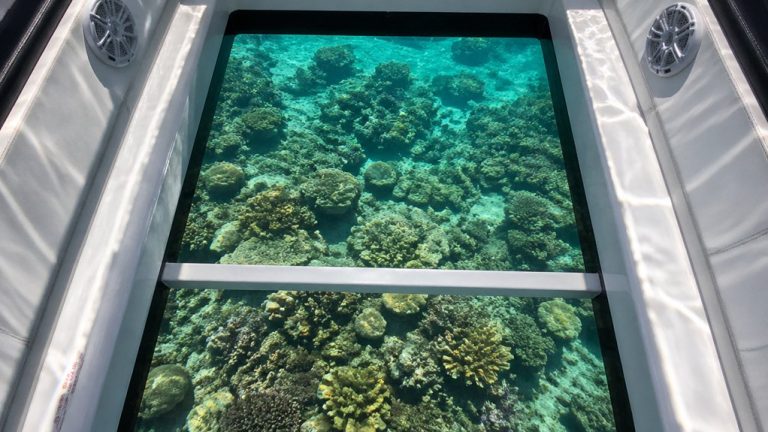
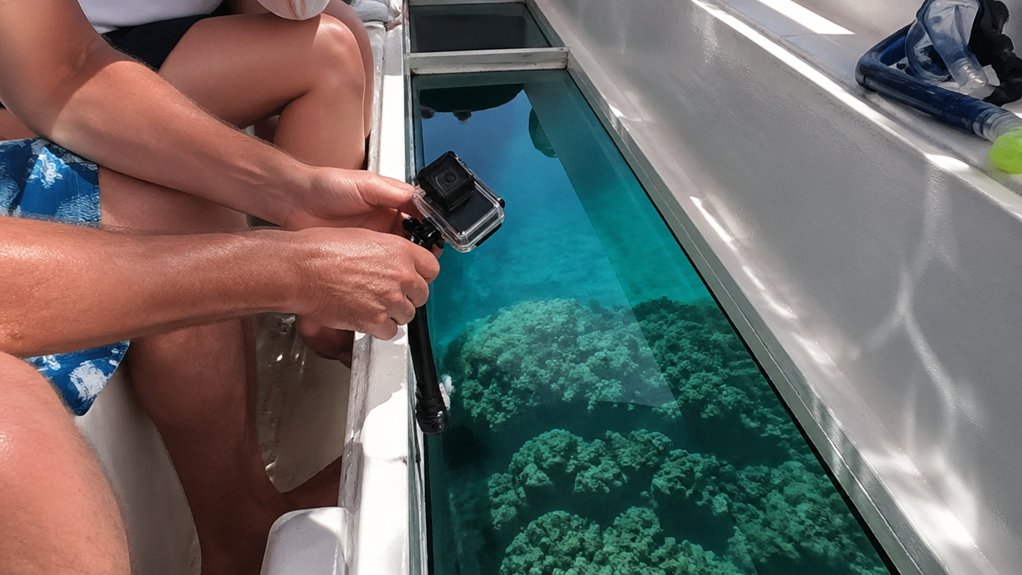
On a morning tour off Key Largo, you’ll see your first sea fan slide under the glass and realize your GoPro settings matter fast. Set 4K at 30fps, switch to Linear, and lock white balance near 5500K so the reef keeps its true blues and greens. Then press the camera tight to the glass, cut reflections, and steady the shot, because one small mistake can turn a bright coral pass into a murky blur.
Key Takeaways
- Shoot in 4K at 30 fps with Linear lens, locked 5500K white balance, and HyperSmooth for sharp, stable reef footage.
- Keep the GoPro square and pressed firmly against the cleanest glass section to reduce distortion, blur, and reflections.
- Use a suction cup, rubber adapter, or short boom mount to stabilize the camera during bumpy passes over the reef.
- Reduce glare by adding a polarizing filter, dimming the LCD, covering LEDs, and shooting with the sun behind or beside the boat.
- Clean the glass and lens often with a microfiber cloth, and keep the lens hydrophobic-treated to maintain clarity through spray and smudges.

Parasailing Experience in Waikiki, HI
Experience the thrill of Oahu parasailing on this unforgettable 1-hour adventure from Waikiki. Soar up to 1,000 feet above the stunning south shore of...

Oahu: Chief's Luau Admission
Attend a luau on Oahu produced by the Original World Fire Knife Dance Champion, Chief Sielu. During this 3 to 3.5-...

Oahu Grand Circle Island Experience from Waikiki
Enjoy Grand Circle Island experience tour with breathtaking views of Amelia Earhart Lookout on Diamond Head, admire...

Waikiki Glass Bottom Boat Cruise
Experience the beauty of Oʻahu South Shore as we sail toward Lēʻahi (Diamond Head) aboard the spacious Haleiwa Qu...
Pick GoPro Settings for Glass-Bottom Boats
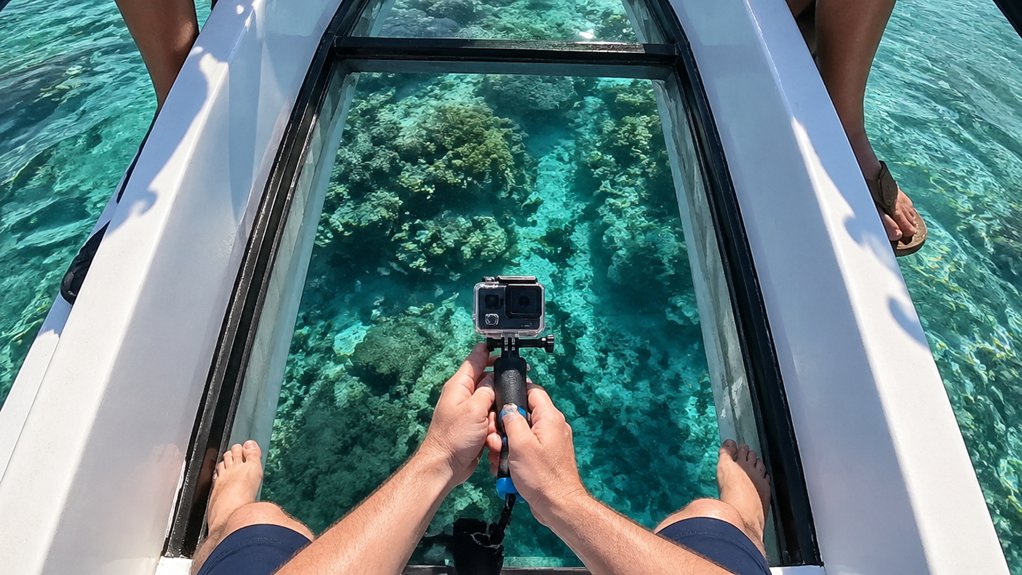
How do you keep reef footage sharp when you’re filming through a pane of boat glass with sunlight flickering overhead?
Set your GoPro or GoPro HERO to 4K at 30 fps for crisp coral textures and darting fish, without piling on huge files. Choose a Digital Lens like Linear or Narrow so reefs keep their real shape instead of bending at the edges. Lock white balance near 5500K to stop color shifts when clouds pass and the cabin light changes. Use HyperSmooth and secure the camera so boat vibrations don’t ripple through your clip. Pick Normal for easy posting, or Flat if you’ll grade later and want more subtle coral color from tricky glass-lit scenes. It keeps blue water calm and sea fans pleasingly true. Similar to phone settings, dialing in the right camera setup helps glass-bottom boat photos and video stay clear and color-accurate.
Shoot Through Glass Without Reflections
Cut the glare before you hit record, and the reef suddenly looks close enough to touch. Press your GoPro firmly against the glass to kill the air gap that causes reflections. A small suction cup or soft rubber adapter helps if the boat bumps around. Turn LCD brightness all the way down, and cover flashing LEDs so they won’t bounce back at you like tiny disco lights. Add a polarizing filter, then rotate it until surface glare fades from the water and glass. Check your sun position too. You’ll see more when the sun sits behind or beside the boat. Wipe the window clean, keep your lens hydrophobic-treated, and shoot in 4K@30fps with WIDE/Linear for crisp detail and better visibility through the panel below. For sharper results, treat the glass like a camera port and keep your GoPro perfectly square to the panel to reduce distortion and edge blur.
Keep Reef Footage Smooth and Clear
Usually, the smoothest reef shots start when you stop handholding the camera and lock your GoPro to an inboard rail or short boom near the glass. With GoPro cameras, a boom mount plus HyperSmooth stabilization and 4K60 keeps coral ridges crisp.
| Move | Setting | Result |
|---|---|---|
| glass panel | clean and dry | less flare |
| Lens | close to lens | fewer reflections |
| Color | white balance exposure lock | steady blues |
Before each pass, wipe the glass panel with a microfiber cloth and avoid salty spray. Keep the housing close to lens range of the window, and you’ll cut reflections fast. To reduce glare, shade the glass and shoot straight down through the cleanest section of the panel. Set white balance around 5500K, then use exposure lock. The reef will look steadier, brighter, and more detailed, while the boat creaks and gulls complain overhead beneath the hull today.
Frequently Asked Questions
Can I Use a Polarizing Filter on a Glass-Bottom Boat?
Yes, you can; you’ll get polarizer benefits: less glass reflections, better underwater clarity. Check filter types, lens compatibility, and filter attachment. Expect light reduction, so you’re adjusting exposure. Remember polarizer limitations and angle considerations results.
What Accessories Should I Pack Besides the Gopro Itself?
Pack Spare batteries, 4K/60 can drain one in under 90 minutes, SD cards, a Waterproof case, Floating grip, Microfiber cloth, Anti fog inserts, Lens cleaning pen, Chest mount, Mini tripod, and Portable charger; you’ll shoot longer, safer.
How Do I Protect My Gopro From Salt Spray and Splashes?
Use a waterproof housing, anti salt coating, protective lens, splash covers, drip guards, and a secure lanyard; you’ll add UV protection, desiccant packs, corrosion inhibitors, then hit the rinse station afterward to stop spray damage
Are There Rules About Filming Other Passengers on Tours?
Absolutely, you’d move mountains by asking first: privacy etiquette, consent laws, recording signage, minors protection, cultural norms, tour policies, commercial restrictions, audio consent, obscenity rules, and data storage all shape whether you can film passengers.
What Should I Do if I Get Seasick While Recording?
If you get seasick, take breaks, hydrate frequently, try ginger remedies or anti nausea meds, choose seating midboat, use a steady mount, limit footage, focus horizon, breathe slowly, and inform crew so you can recover.
Conclusion
You came for effortless reef magic, because of course the ocean schedules its best angles for your boat tour. Still, if you lock 4K, tame reflections, and brace the GoPro tight to the glass, you’ll leave with coral, silver flashes of fish, and water that looks blue instead of soup. Keep the screen dim, the panel clean, and your hands steady. Then enjoy the engine hum while the reef performs professionally, just for you.